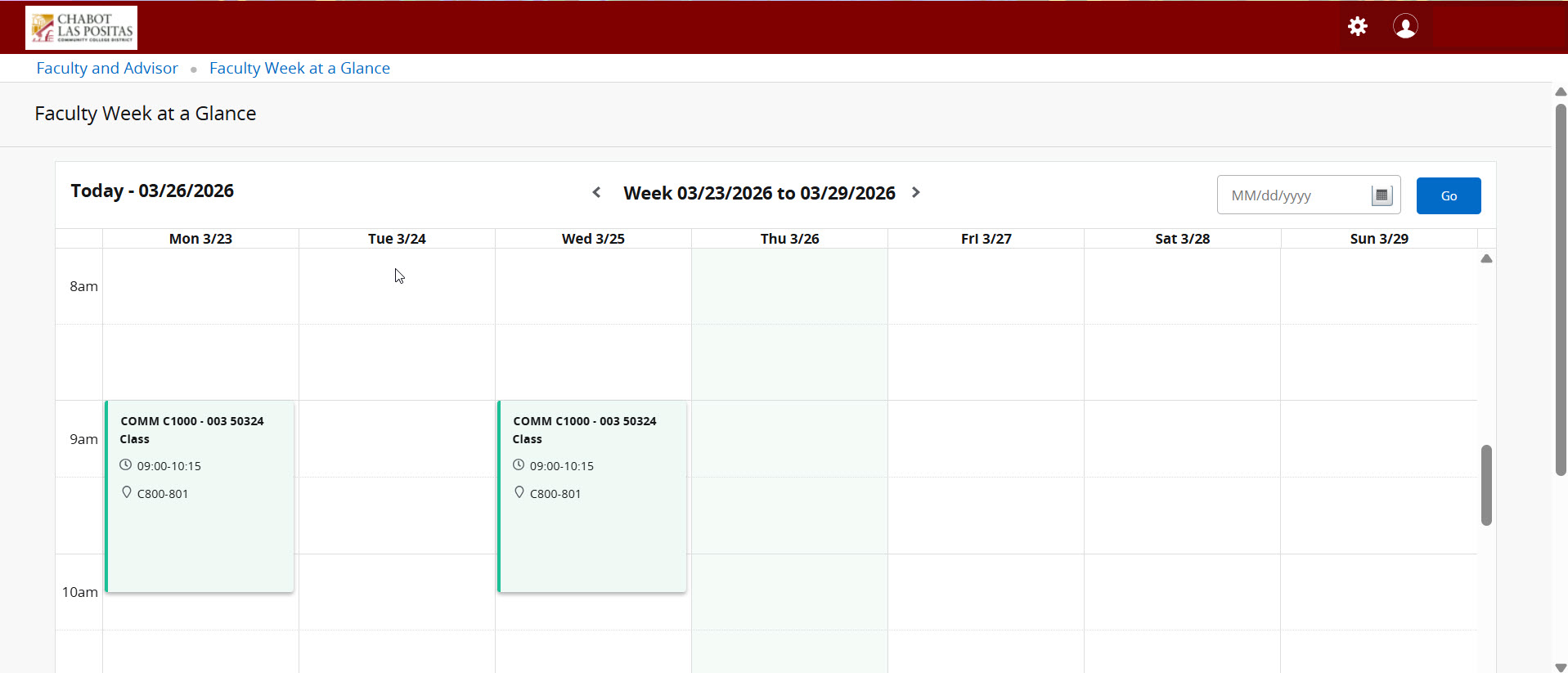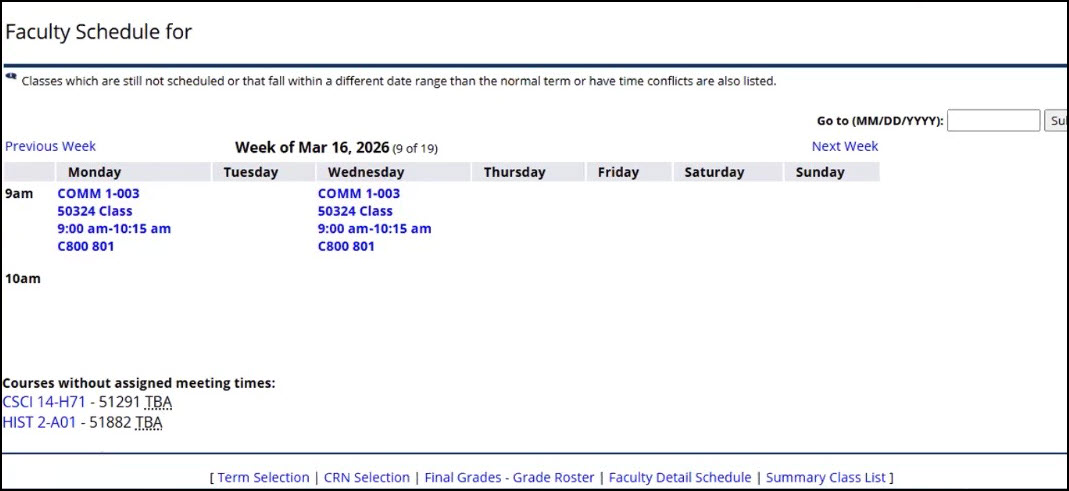
Week at a Glance
How to Access Week at a Glance
Overview:
Select Faculty Week at a Glance to view a calendar of your assigned courses by term and see what you are teaching.
- Go to MyPortal
- Enter your W# and password
- Navigate to the Faculty Dashboard and click on Week at a Glance
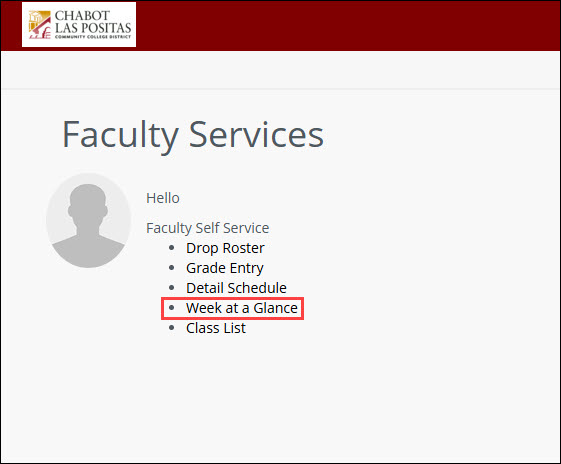
SSB9: Week at a Glance