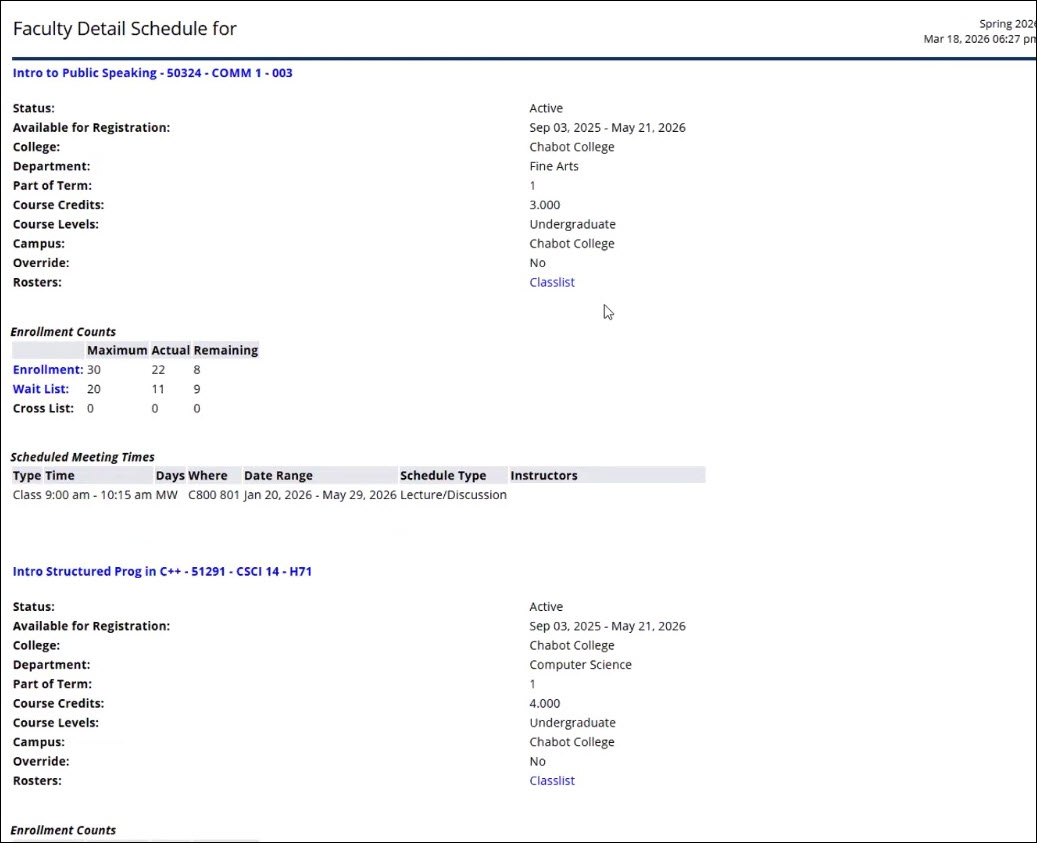
Detail Schedule
How to Access Detail Schedule
Overview
The Faculty Detail Schedule page in Banner Faculty Self-Service will display a faculty
member’s
schedule for the selected term.
- Go to MyPortal
- Enter your W# and password
- Navigate to the Faculty Dashboard and click on Detail Schedule
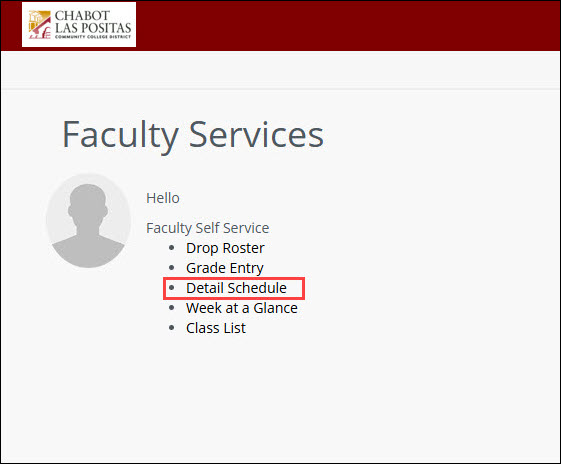
SSB9: Detail Schedule
1. Select a Term and Course Reference Number (CRN) from the dropdown menus to view
your detailed
schedule.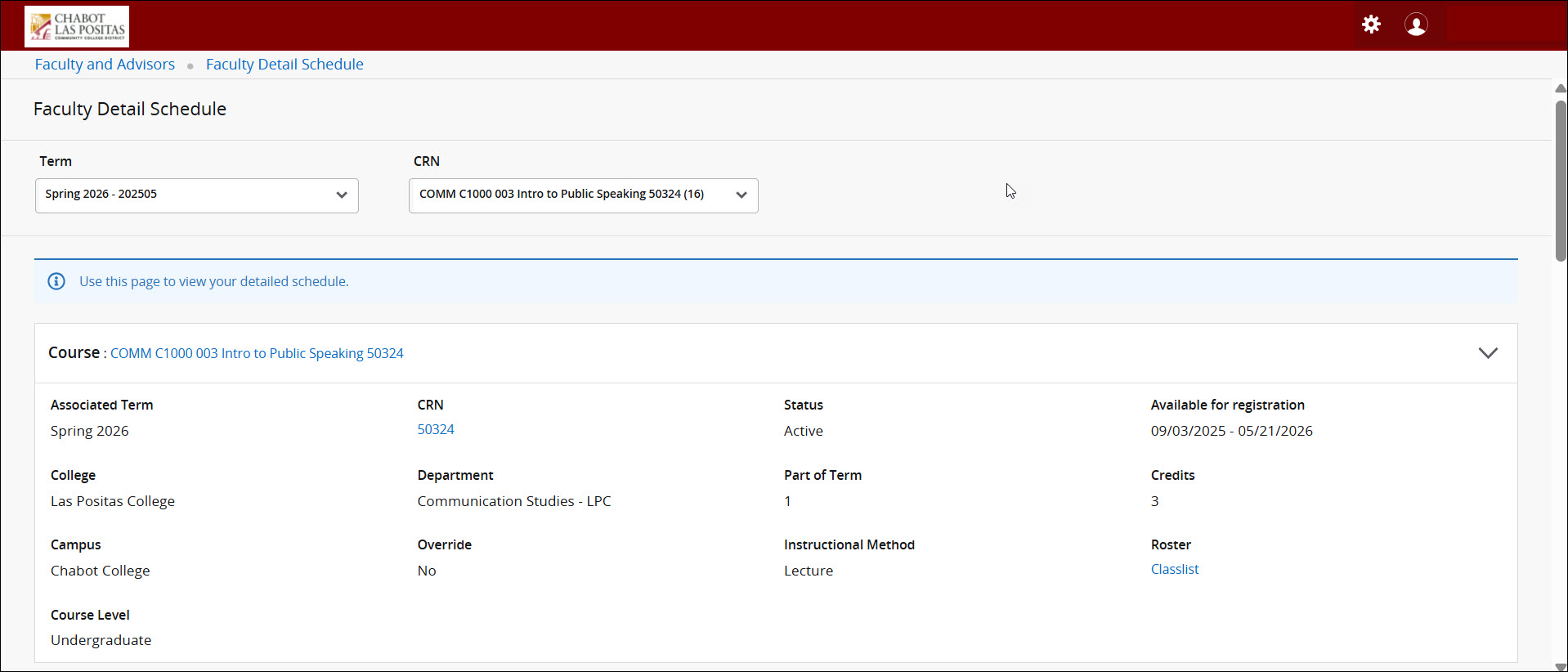
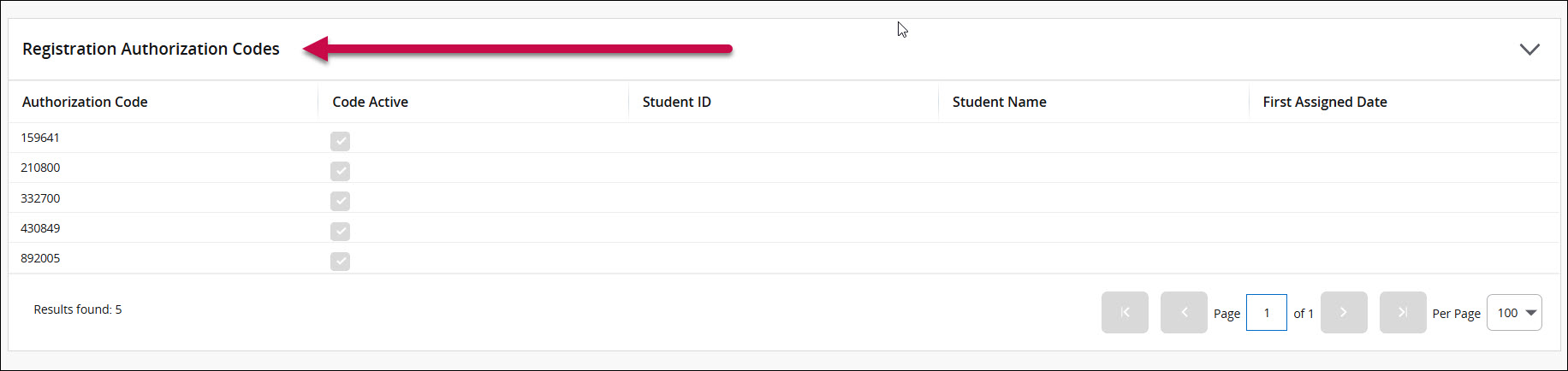
Add Code numbers are at the bottom of the page